Quick Tips
Six short videos to help you make Morning Message part of your day.
-
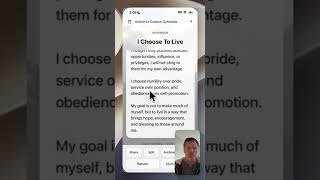 Tip 1
How I use Morning Message
See how I read and share the daily message and use Morning Message to keep prayers, affirmations, and reminders in one place.
-
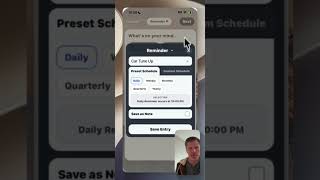 Tip 2, Part 1
Set notifications and sync your calendar
Choose when your Morning Message arrives. Add an appointment to your calendar, then see how to delete and restore it.
-
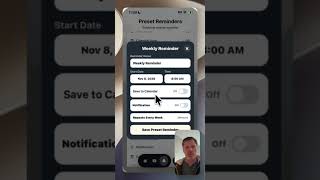 Tip 2, Part 2
Set up presets and custom reminders
See when to use a Preset or a Custom Reminder and where to adjust preset schedules and notifications.
-
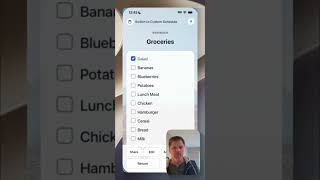 Tip 3
Make and use a grocery checklist
Change your background, check off groceries as you shop, and see how to find entries and add them to Favorites.
-
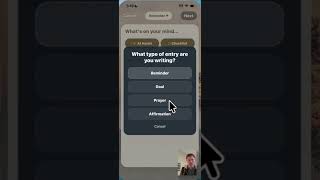 Tip 4
Write a prayer with AI Assist
See how optional AI Assist can help you put your thoughts into words as you write a prayer.
-
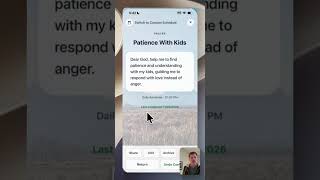 Tip 5
Review completion history and archive a prayer
See how often you’ve read your prayers and affirmations, and add a note before archiving a prayer.